
AutoCAD Engineering
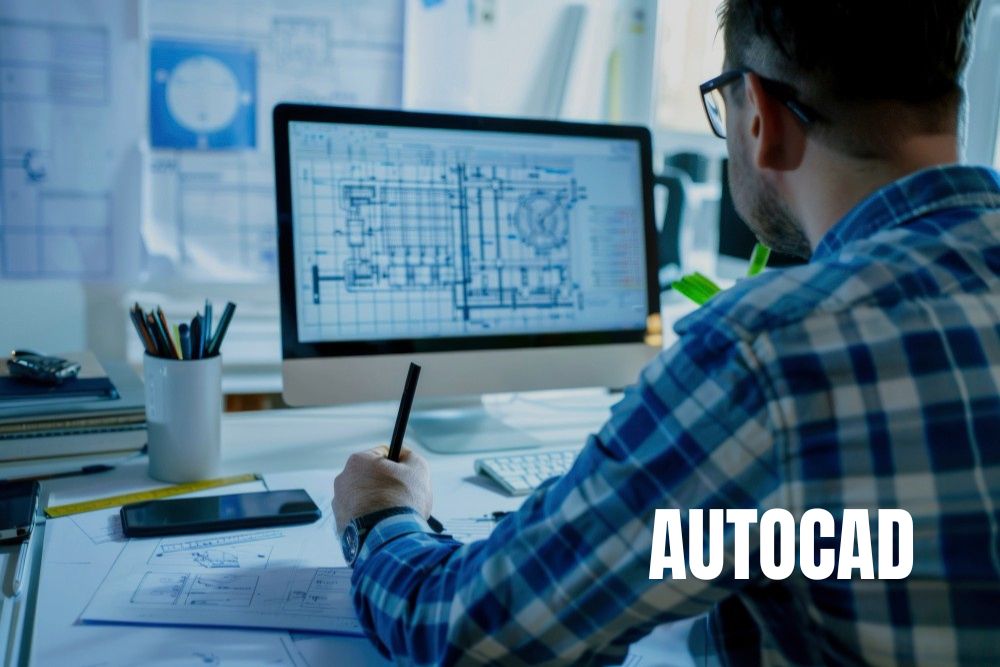
Our AutoCAD course is a comprehensive program designed to transform your ideas into precise 2D and 3D technical drawings. From fundamental drafting principles to advanced 3D modeling and rendering, this course prepares you to design professional blueprints for global industries.
Master the essentials of architectural drafting, mechanical design, and electrical schematics. You will gain hands-on experience with layer management, parametric constraints, and dynamic blocks, ensuring you are equipped to solve complex design challenges in construction, manufacturing, and infrastructure.
Explore Our Course Modules
Explore the AutoCAD Course Brochure
The AutoCAD Engineering course provides students with a competitive edge in the architecture, civil engineering, and mechanical design sectors. From precise 2D drafting to advanced 3D visualization, this curriculum bridges the gap between creative design and technical execution.
Learners will engage in hands-on design sessions using industry-standard templates and real-world project data. By the end of this program, you will be ready for roles such as CAD Designer, Architectural Drafter, or Design Engineer.
Choose the Right Plan for Your Growth
Self Paced
6999
Learn at Your Own Pace
Basic Plan Includes:
- Recorded Sessions
- Hands-on Practical Projects
- Training Completion Certificate
- Internship Completion Certificate
- Doubt Clearing Support
- Live Interactive Sessions
- Mentor Guidance
- Weekly Quizzes & Assignments
- Placement Assistance
Mentor Led
9999
Learn with Expert Mentor
Basic Plan Includes:
- Recorded Sessions
- Hands-on Practical Projects
- Training Completion Certificate
- Internship Completion Certificate
- Doubt Clearing Support
- Live Interactive Sessions
- Mentor Guidance
- Weekly Quizzes & Assignments
- Placement Assistance
Professional
15999
Advanced Career Support
Basic Plan Includes:
- Recorded Sessions
- Hands-on Practical Projects
- Training Completion Certificate
- Internship Completion Certificate
- Doubt Clearing Support
- Live Interactive Sessions
- Mentor Guidance
- Weekly Quizzes & Assignments
- Placement Assistance
- ATS Resume Checker
- Integrated Job Portal
Trusted by Leading Employers




















Frequently Asked Questions
Everything you need to know before enrolling.